Most B2B companies track competitors the same way: someone Googles them once a quarter, updates a slide deck, and presents it at a team meeting. By the time that deck is presented, every data point in it is stale.
Meanwhile, your competitors are connecting with your prospects on LinkedIn, launching new features, changing their pricing, and running targeted outbound against your customer base - and your sales team has no idea.
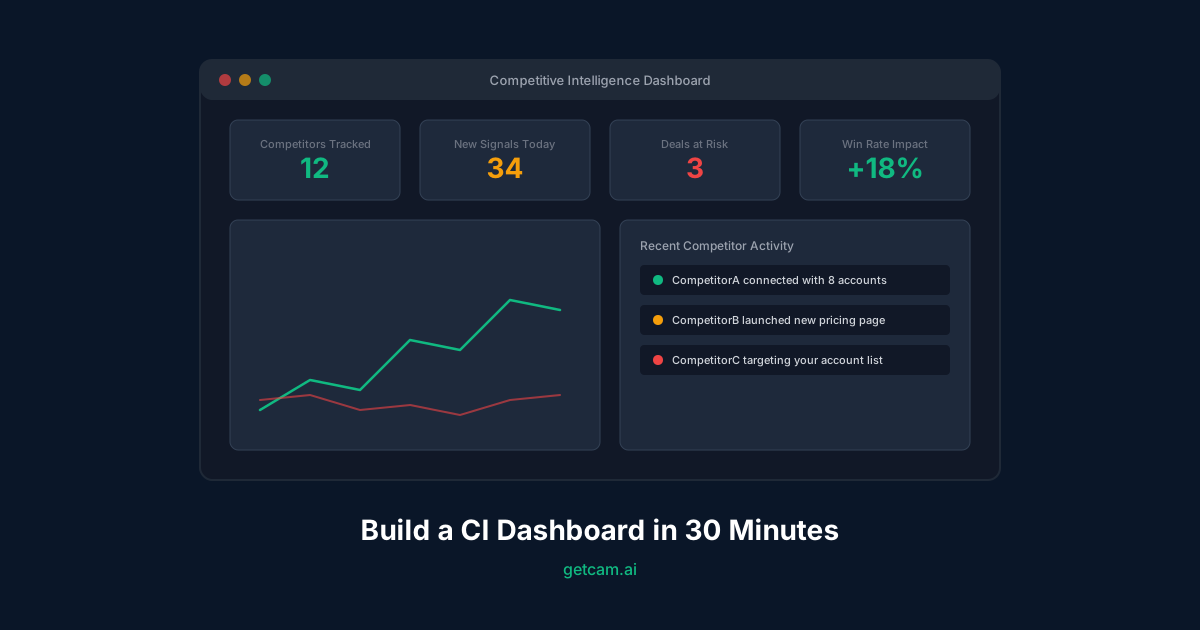
A competitive intelligence dashboard fixes this. Not a quarterly report. Not a shared doc that no one reads. A live dashboard that surfaces competitor activity as it happens, so your sales team can react before deals are lost.
Here’s how to build one in 30 minutes.
What Belongs on a CI Dashboard
Before building anything, define what your sales team actually needs to know about competitors. Most CI dashboards fail because they track vanity metrics (social media followers, press mentions) instead of signals that influence deals.
The signals that matter for sales:
- Competitor-prospect connections - When a competitor’s rep connects with one of your accounts on LinkedIn
- Account overlap - Which of your target accounts are also being pursued by competitors
- Competitor outreach patterns - Volume and timing of competitor SDR activity
- Pricing and positioning changes - Changes to competitor pricing pages, feature pages, and comparison content
- Deal displacement risk - Accounts where competitor activity has increased recently
The signals that don’t matter (for sales):
- Competitor blog posts (unless they’re comparison pages targeting you)
- Social media follower counts
- Press releases about funding rounds
- Glassdoor reviews
- Patent filings
These might matter for product or marketing teams, but they don’t help a rep close a deal this quarter.
The 30-Minute Setup
Minute 0-5: Define Your Competitor List
Start with 5-10 direct competitors. Not “everyone in our space” - the companies your sales team actually loses deals to.
For each competitor, you need:
- Company name and domain
- LinkedIn company page URL
- Key sales reps (the SDRs and AEs who sell against you)
- Pricing page URL (for change monitoring)
If you don’t know who their sales reps are, check LinkedIn. Filter by company + “Sales Development” or “Account Executive” in the title. Most B2B companies have 5-20 outbound reps whose profiles are public.
Minute 5-15: Set Up Connection Monitoring
This is the highest-value signal on your dashboard. When a competitor’s sales rep connects with a prospect at one of your target accounts, that’s a leading indicator of competitive activity.
Manual method (free but slow):
- Create a LinkedIn Sales Navigator saved search for each competitor’s sales team
- Set up weekly alerts for new connections
- Cross-reference new connections against your target account list
This takes 30 minutes per week per competitor. At 10 competitors, that’s 5 hours per week - which is why nobody actually does it manually.
Automated method (CAM):
CAM monitors competitor LinkedIn activity continuously. When a competitor rep connects with someone at your target accounts, it surfaces that signal automatically - no manual checking required.
Setup:
- Add your competitor list (companies + key reps)
- Import your target account list (from CRM or CSV)
- CAM starts monitoring connection activity and alerts your team when overlap is detected
Time: 5 minutes.
Minute 15-22: Set Up Pricing and Positioning Alerts
Competitor pricing changes are high-signal events. If a competitor drops their price, launches a new tier, or changes their positioning, your sales team needs to know before their next call.
What to monitor:
- Pricing page (e.g.,
competitor.com/pricing) - Feature comparison pages
- Any page that mentions your company name
- Product changelog or “what’s new” pages
How to monitor it:
Use a page change monitoring tool (Visualping, ChangeTower, or built-in browser extensions). Set up alerts for:
- Any text change on pricing pages
- New pages matching
/pricing,/compare,/vs-, or your company name - Changes to meta descriptions (often updated before visible page changes)
Set alert frequency to daily. You don’t need real-time alerts on webpage changes - daily is enough to stay ahead.
With CAM: Pricing and positioning monitoring is built in. Add competitor URLs and CAM tracks changes, diffs the content, and highlights what’s actually different - not just that “something changed on the page.”
Minute 22-28: Connect to Your CRM
Your CI dashboard is only useful if it’s connected to your pipeline. Competitor activity on an account that’s not in your pipeline is nice to know. Competitor activity on an account with a $200K deal in stage 3 is critical.
The integration you need:
- Pull your open opportunities and target accounts from your CRM (HubSpot, Salesforce, etc.)
- Match competitor activity signals against these accounts
- Priority-rank signals by deal size and stage
The output:
| Priority | Signal | Account | Deal Value | Stage |
|---|---|---|---|---|
| Critical | Competitor A rep connected with CFO | Acme Corp | $180K | Negotiation |
| High | Competitor B changed pricing (20% drop) | - | - | - |
| High | Competitor C SDR connected with 3 contacts | TechStart | $95K | Discovery |
| Medium | Competitor A new feature launch overlap | GrowthCo | $45K | Proposal |
Your AEs should see this table every morning. The critical and high signals get immediate action. Medium signals inform strategy.
Minute 28-30: Set Up Alerts and Distribution
Data that lives in a dashboard nobody checks is useless. Set up push alerts:
- Slack/Teams integration: Critical signals posted to a dedicated channel
- Email digest: Daily summary of all new competitor signals
- CRM notes: Competitor activity automatically logged on the account record
The goal is zero-effort consumption. Your sales team shouldn’t have to log in to a dashboard. The signals should come to them.
What to Do With the Signals
Having a CI dashboard is step one. Acting on the signals is where deals are won.
When a competitor connects with your prospect:
- Same day: Your AE reaches out to the prospect with a value-add (case study, relevant insight, or meeting confirmation)
- Within 48 hours: Send a competitive battle card to your champion at that account
- On the next call: Address the competitor directly - “I noticed [competitor] has been reaching out. Here’s how we differ…”
When a competitor changes pricing:
- Immediately: Update your competitive battle cards
- Within 24 hours: Brief your sales team on the change and recommended positioning
- On active deals: Proactively address pricing with prospects who are evaluating both options
When competitor outreach volume spikes:
- Analyze the pattern: Are they targeting a specific vertical, company size, or geography?
- Preemptive outreach: Reach out to accounts in the same segment before the competitor does
- Defensive plays: Increase touchpoints with existing customers who might be targeted
Measuring Dashboard ROI
Track these metrics monthly:
- Signals generated - Total competitor activity signals surfaced
- Signals acted on - How many signals resulted in sales action
- Deals protected - Competitive deals where early signal detection influenced the outcome
- Win rate vs. competitor - Track by competitor over time
Most teams see a measurable win rate improvement within the first quarter. The improvement comes not from working harder, but from working on the right signals at the right time.
Common Mistakes
Tracking too many competitors
Start with 5. You can always add more. Tracking 30 competitors means 30x the noise and no clear prioritization.
Not connecting CI to pipeline
A standalone CI tool is a research project. CI connected to your CRM is a sales weapon. Always start with the CRM integration.
Making it a marketing project
CI dashboards built by marketing teams optimize for market awareness. CI dashboards built for sales teams optimize for deal outcomes. If your sales reps don’t use it daily, it’s not built right.
Updating quarterly instead of continuously
Quarterly CI reviews are post-mortems - you’re learning about competitive activity after it already influenced your deals. Continuous monitoring lets you act while deals are still winnable.
The Bottom Line
Your competitors are actively selling to your prospects right now. The question is whether you see it happening or find out after you lose the deal.
A CI dashboard takes 30 minutes to set up and fundamentally changes how your sales team handles competitive situations. Every day without one is a day your competitors operate in your blind spot.
Start monitoring competitor activity today. Set up your CI dashboard with CAM →